Installation
Quickstart
Prerequisites
- Unreal Engine 5 - Windows, macOS or Linux.
- PyCharm Professional (Community is not supported).
PythonScriptPlugin- ships with Unreal, enabled automatically with this plugin.
1. Unreal setup
From Fab (recommended)
- Add the plugin to your library from the Fab listing page.
- In the Epic Games Launcher, open your project and use Add to Project on the listing.
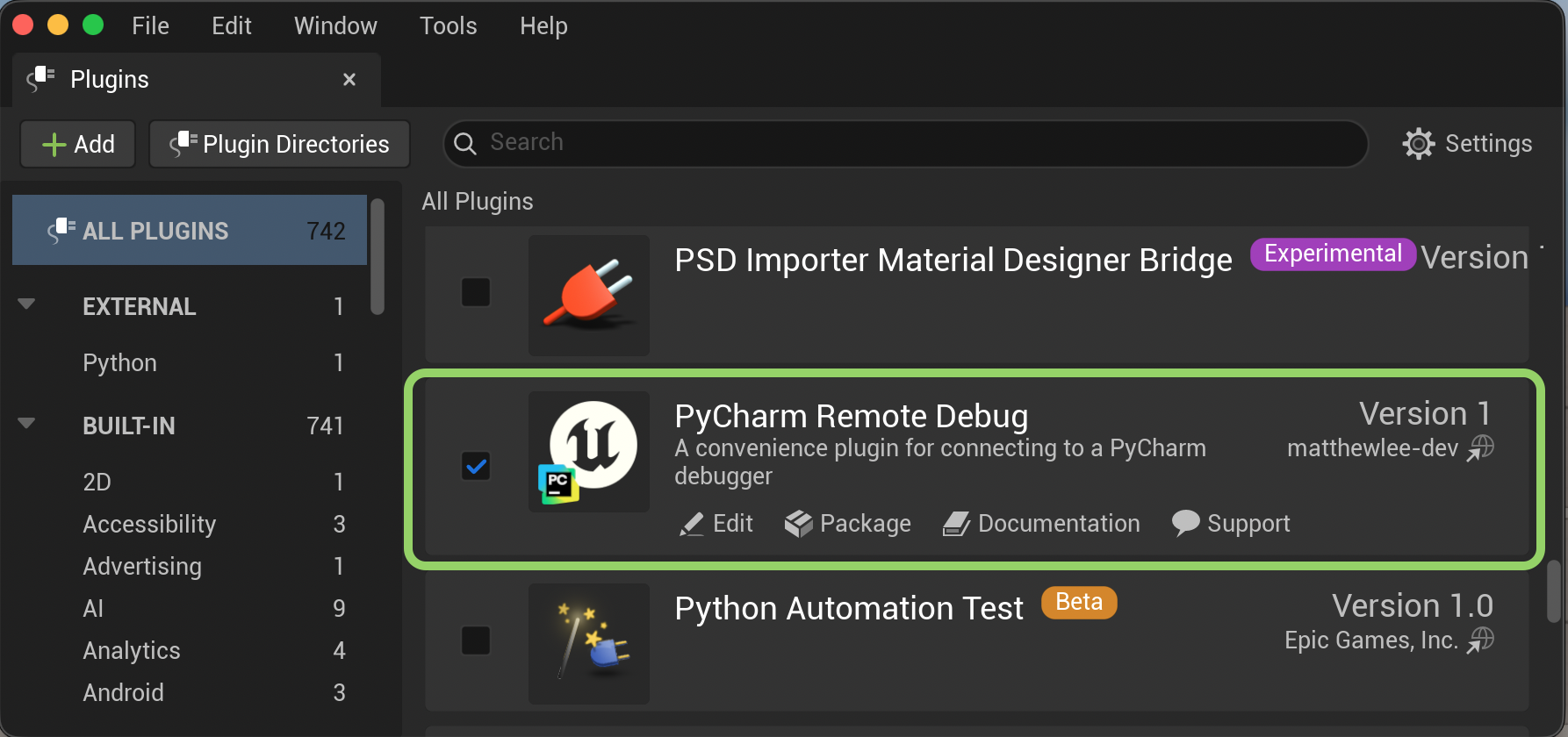
- Enable under Edit -> Plugins, restart if prompted.
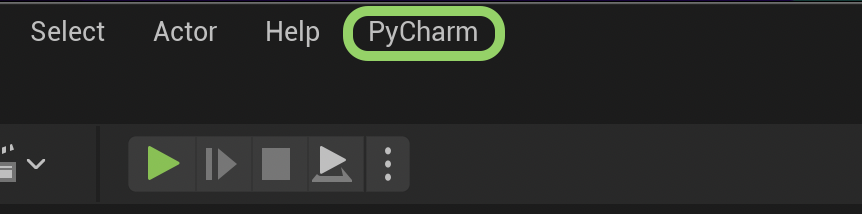
A PyCharm menu appears in the level editor.
From a manual download
Needs Visual Studio (Windows) or Xcode (macOS) - the editor compiles the source on first open.
- Download the zip for your engine version from Releases.
- Extract into
YourProject/Plugins/. - Open the project and answer Yes to the rebuild prompt.
- Enable under Edit -> Plugins, restart if prompted.
Plugin settings
Required
Connect fails until PyCharm Executable Location is set.
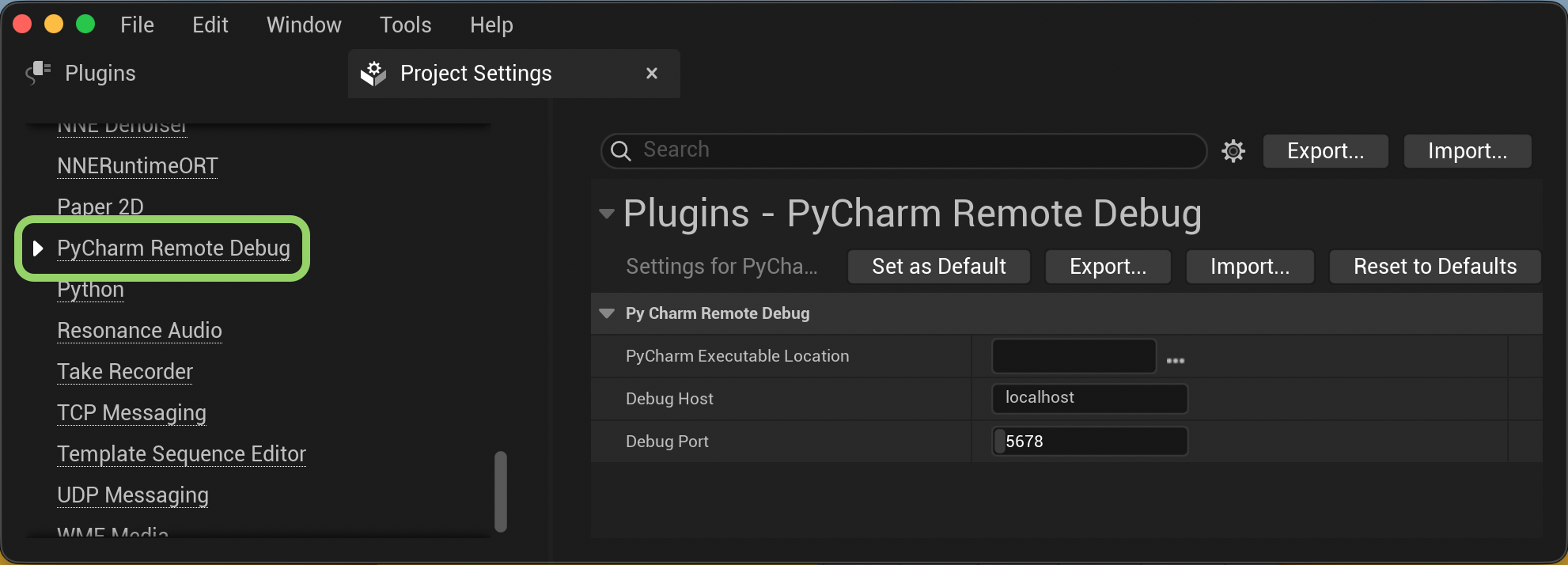
Edit -> Project Settings -> Plugins -> PyCharm Remote Debug. Set PyCharm
Executable Location and Debug Port (default 5678). Leave Debug Host as
localhost unless PyCharm is on another machine.
| Platform | Typical PyCharm Executable Location |
|---|---|
| Windows | C:\Program Files\JetBrains\PyCharm 2025.1\bin\pycharm64.exe |
| macOS | /Applications/PyCharm.app |
| Linux | /opt/pycharm-2025.1/bin/pycharm.sh |
2. PyCharm setup
Debug Server
- Run -> Edit Configurations, click +, choose Python Debug Server.
-
Name it Unreal. Set IDE host name to
localhostand Port to match Debug Port above. Leave path mappings empty on one machine.Note
Ignore the panel's
pip install pydevd-pycharminstruction. -
Run -> Debug Unreal. The console shows
Waiting for process connection....
Connecting
Level editor: PyCharm -> Connect.
Breakpoints now hit, and can be set before or after connecting. PyCharm -> Disconnect when done.
Tip
Debugging a different machine? See Remote Setup. Connect failing? See Troubleshooting.